Your refs and your models, on one board.

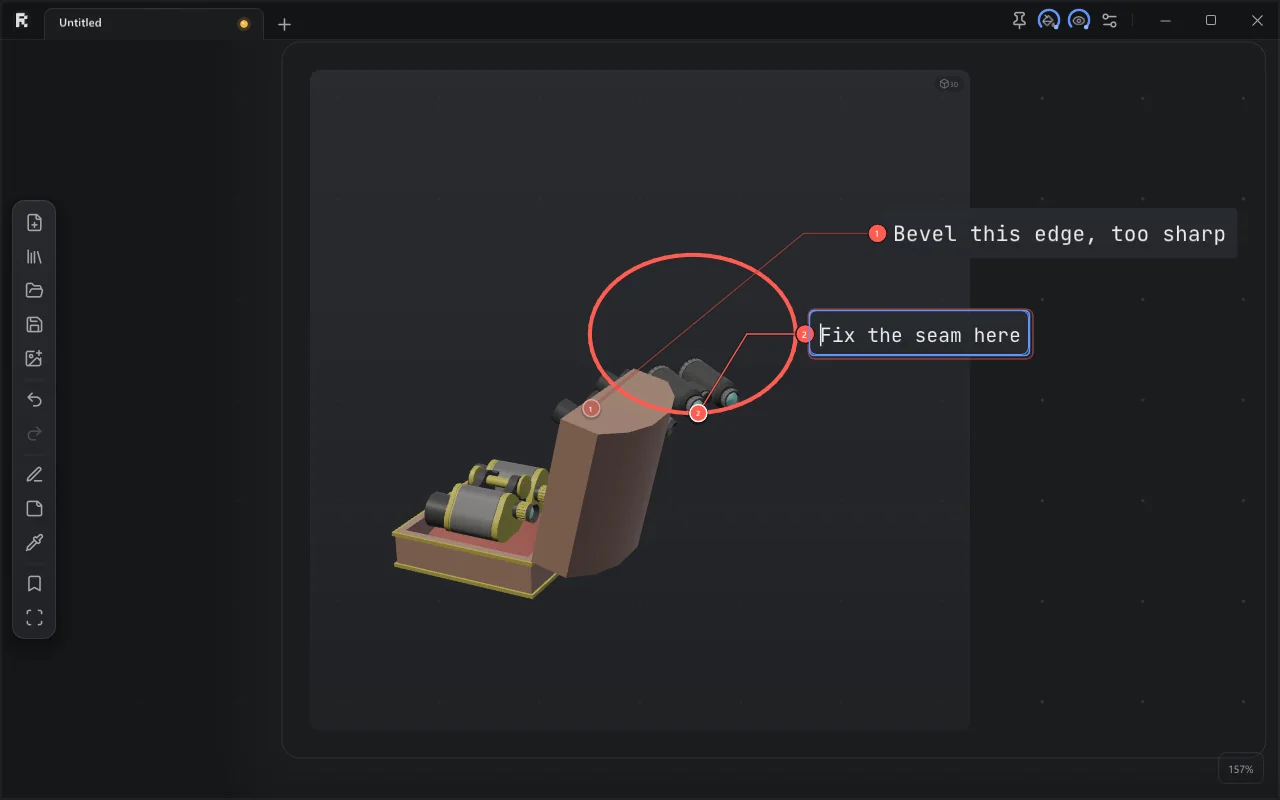
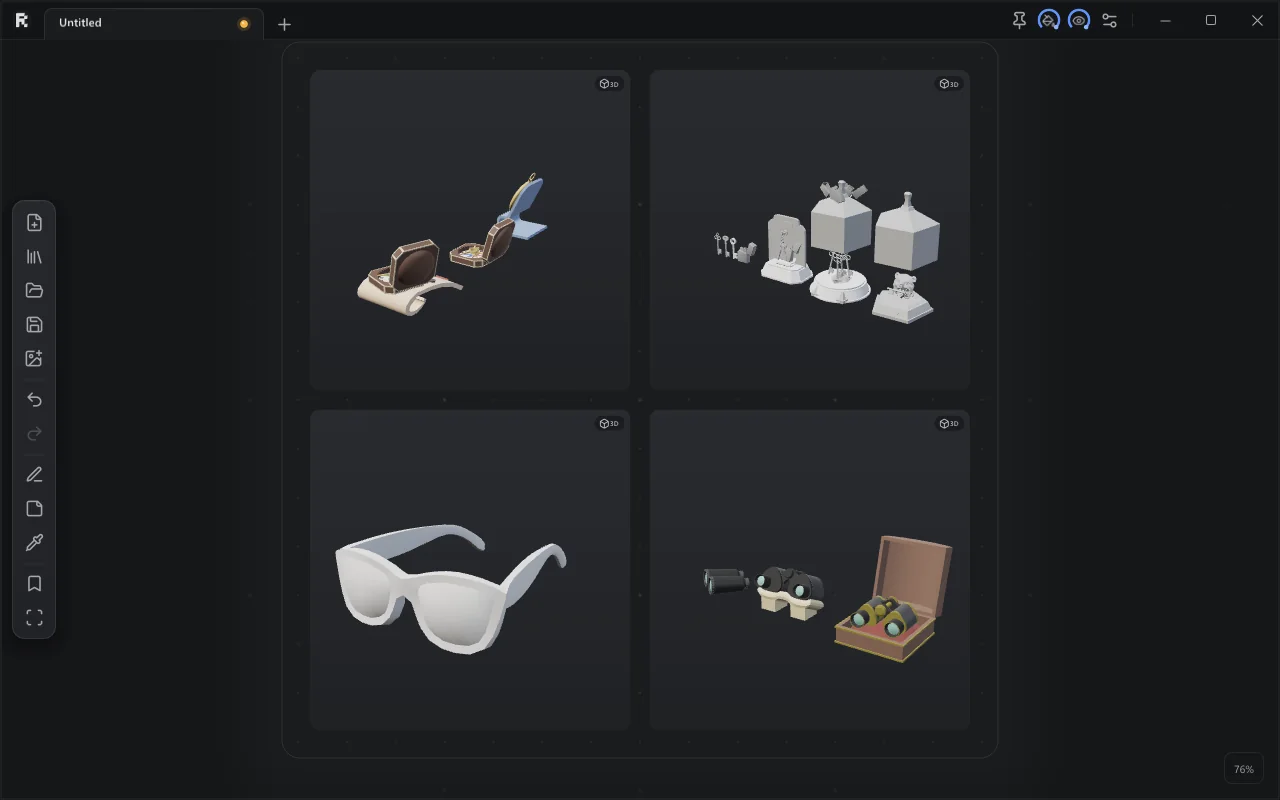
RefDeck is a reference board for Windows. Drop in screenshots, a turnaround video and the client's FBX, spin the model next to your concept art, and mark up what needs fixing.

Free for personal use. 4.3 MB, no account.
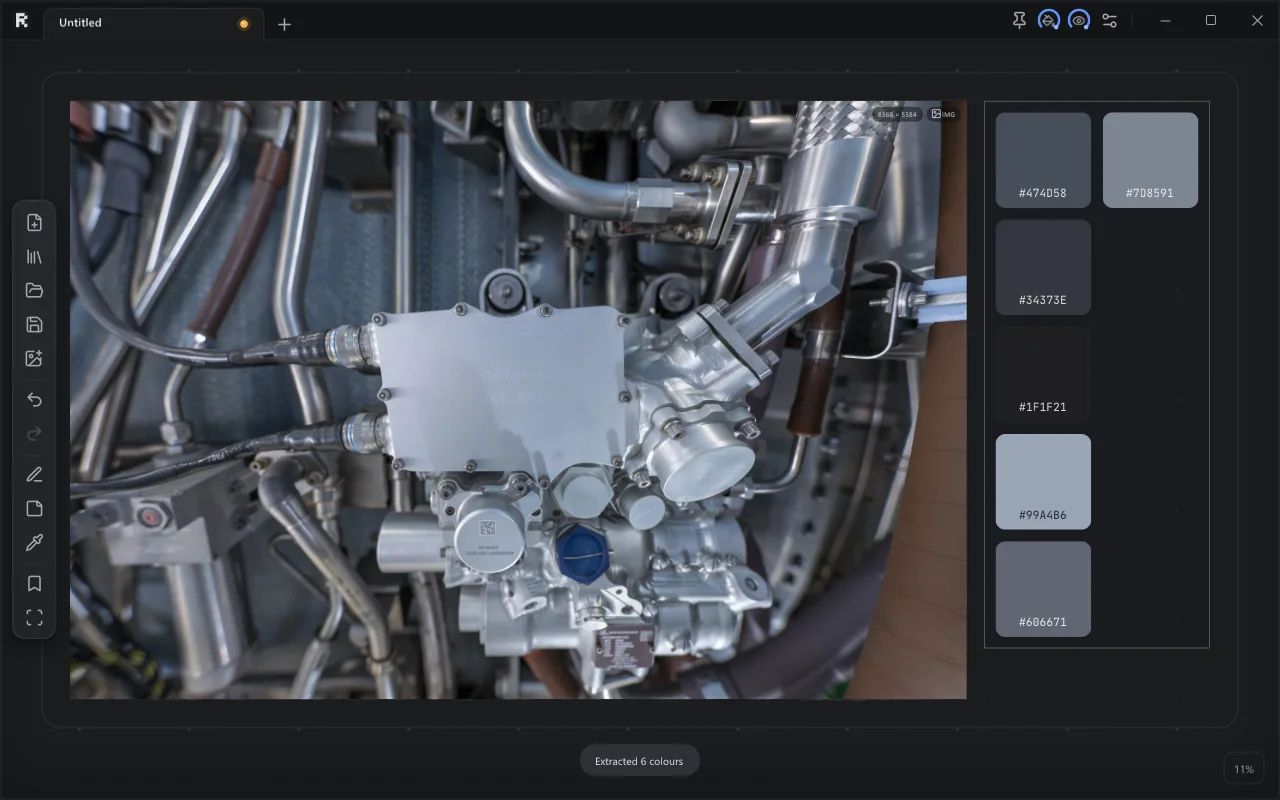
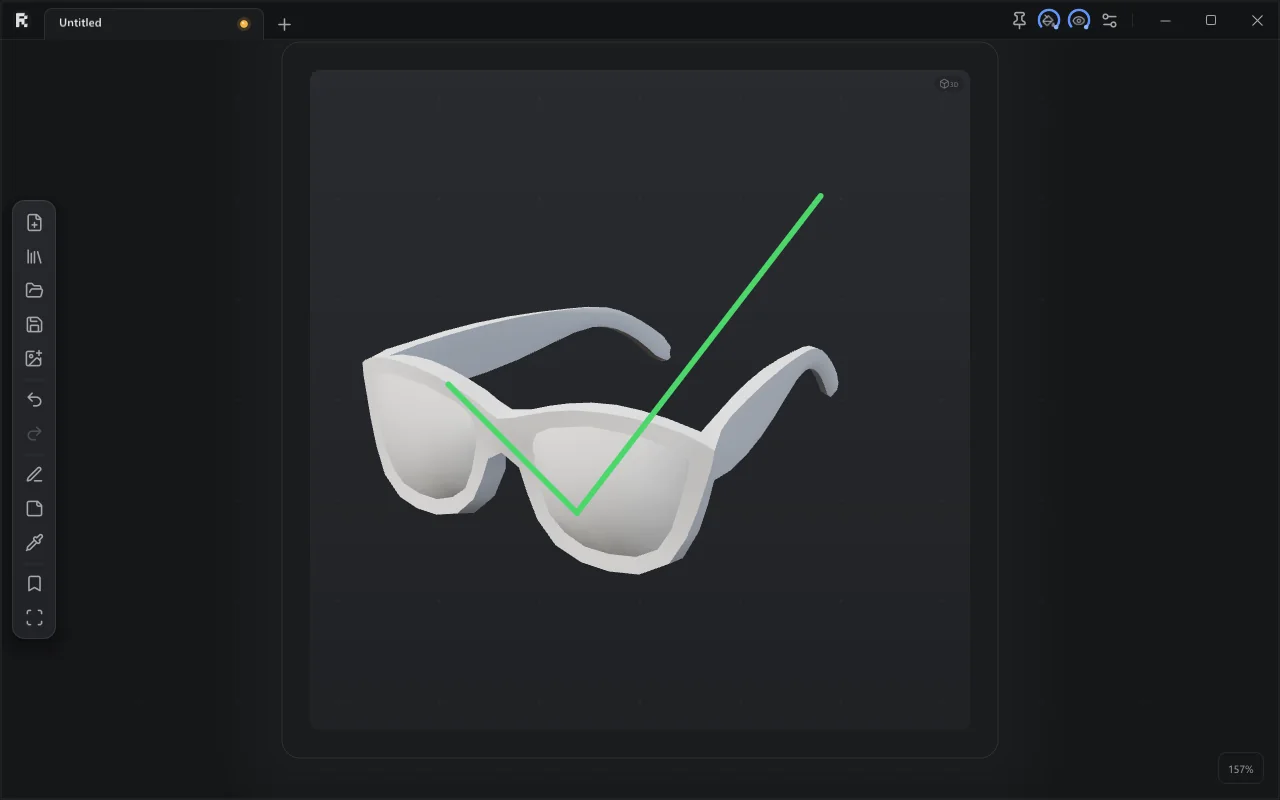
Four 3D models on a RefDeck board Two numbered comments drawn on a 3D model A photo with its extracted colour palette A rough check mark turned into a clean green one over a model
PNG JPG PSD TGA HDR GIF  /  MP4 MOV AVI WMV  /  FBX GLB glTF OBJ  /  PureRef .pur

The rest of the toolbox

Things you'd expect from a reference board, plus a few you'd miss in the others.

GIFs and video

MP4, MOV, AVI, WMV and GIFs loop on the board without sound. Step frame by frame, and pull any frame out as a picture.

K,.Shift+K

Works with PureRef

Opens .pur boards (2.x fully, 1.x pictures) with crops, notes and drawings, and exports back to .pur.

Groups, tables, notes

Groups that fit their content, table outlines whose cells wrap around refs, notes in 19 fonts with Cyrillic.

Ctrl+GTN

Board library

Every board with a thumbnail. Search names, notes, file names and #tags, or find similar pictures across all boards.

Ctrl+L

Tabs that tear off

Several boards in one window. Drag a tab out to get its own window, or drop it into another one.

Ctrl+NCtrl+Tab

Stays out of the way

Native C++ and OpenGL, no browser inside. Always on top and see-through, so it can sit over Maya or Blender.

Ctrl+T
How it compares

As quick as a classic image board, with the parts a 3D artist keeps missing.

RefDeckClassic 2D ref boardsWeb moodboards
Images, GIFs✓✓✓
Video on the board✓–partly
3D models (FBX / GLB / OBJ)✓––
Comments drawn on 3D✓––
Opens PureRef .pur✓own format–
Native, works offline✓✓–
Palette export (.aco / .ase / .gpl)✓–partly
SubscriptionNoNoUsually

Shortcuts

The ones you'll use most. F1 in the app shows them all.

Zoom / panWheelMMB
Fit selection / allFHome
Flip H / VHV
Group / ungroupCtrl+GCtrl+Shift+G
Saved viewsCtrl+1..9
Board libraryCtrl+L
Orbit a modelAlt+LMB
Model shading123
EyedropperI
NoteN
Always on topCtrl+T
Video frame to pictureShift+K

Try it on your next board.

Free for personal use. Studios buy seats.